


Description
Download Apex Launcher – Android launcher, customization, app hiding, gesture controls, theme support
Overview
Apex Launcher is an Android application designed to replace the default launcher on your smartphone, offering enhanced customization, privacy features, and improved navigation. It serves users who desire greater control over their device's interface beyond what stock launchers provide. By enabling deep personalization of the home screen, app organization, and interaction methods, Apex Launcher addresses common limitations found in manufacturer-specific launchers. The software is particularly suited for power users and Android enthusiasts seeking a tailored experience. It allows users to modify grid layouts, apply custom themes and icon packs, and implement advanced gestures for faster access to apps and functions. One notable capability is the ability to hide apps, providing a discreet way to secure sensitive applications. This functionality supports privacy-conscious users who share devices or wish to maintain discretion. The app also supports infinite scrolling and elastic drawer behavior, enhancing usability during extended use. While the developer did not provide additional system requirements, the software is compatible with a wide range of Android devices and tablets. Real-world usage scenarios include daily personalization of the home screen, securing private apps, and streamlining app access through gesture-based shortcuts. The application integrates seamlessly with the Android ecosystem, leveraging built-in security features like Google Play Protect.
Key Features & Capabilities
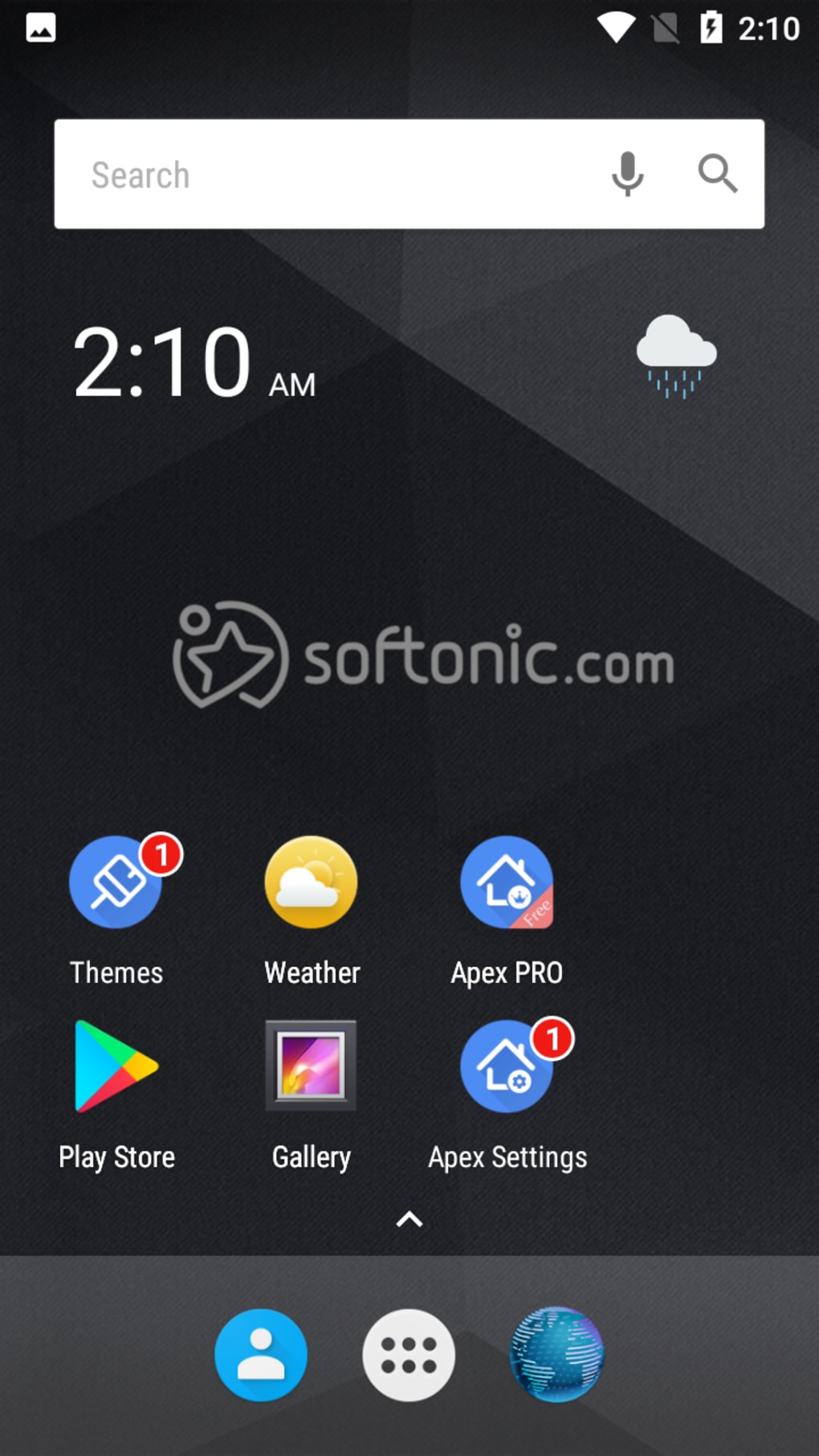
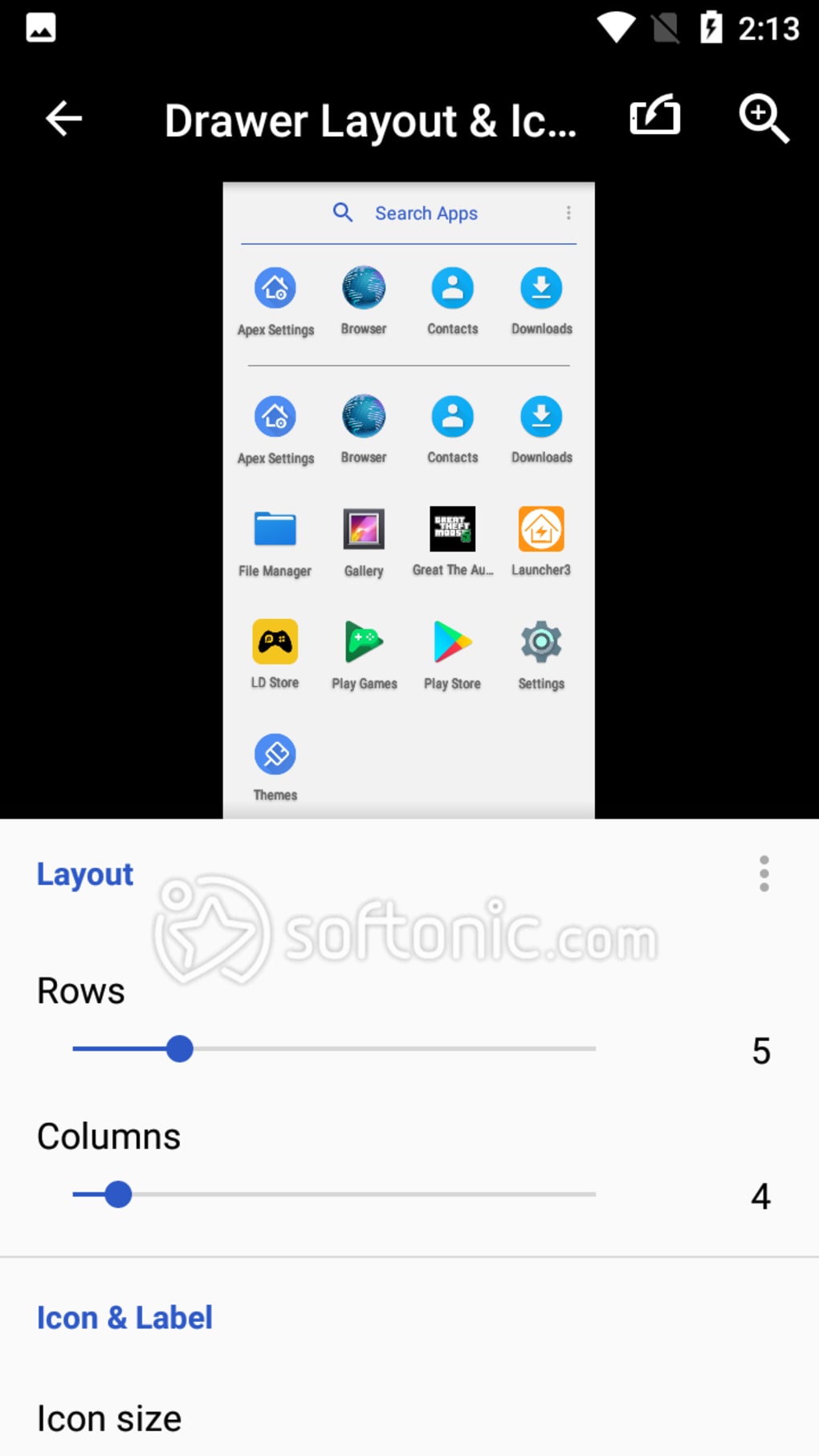
- Customizable Home Screen Layouts: Users can adjust grid sizes, rearrange icons, and modify spacing to fit their preferred visual style and workflow.
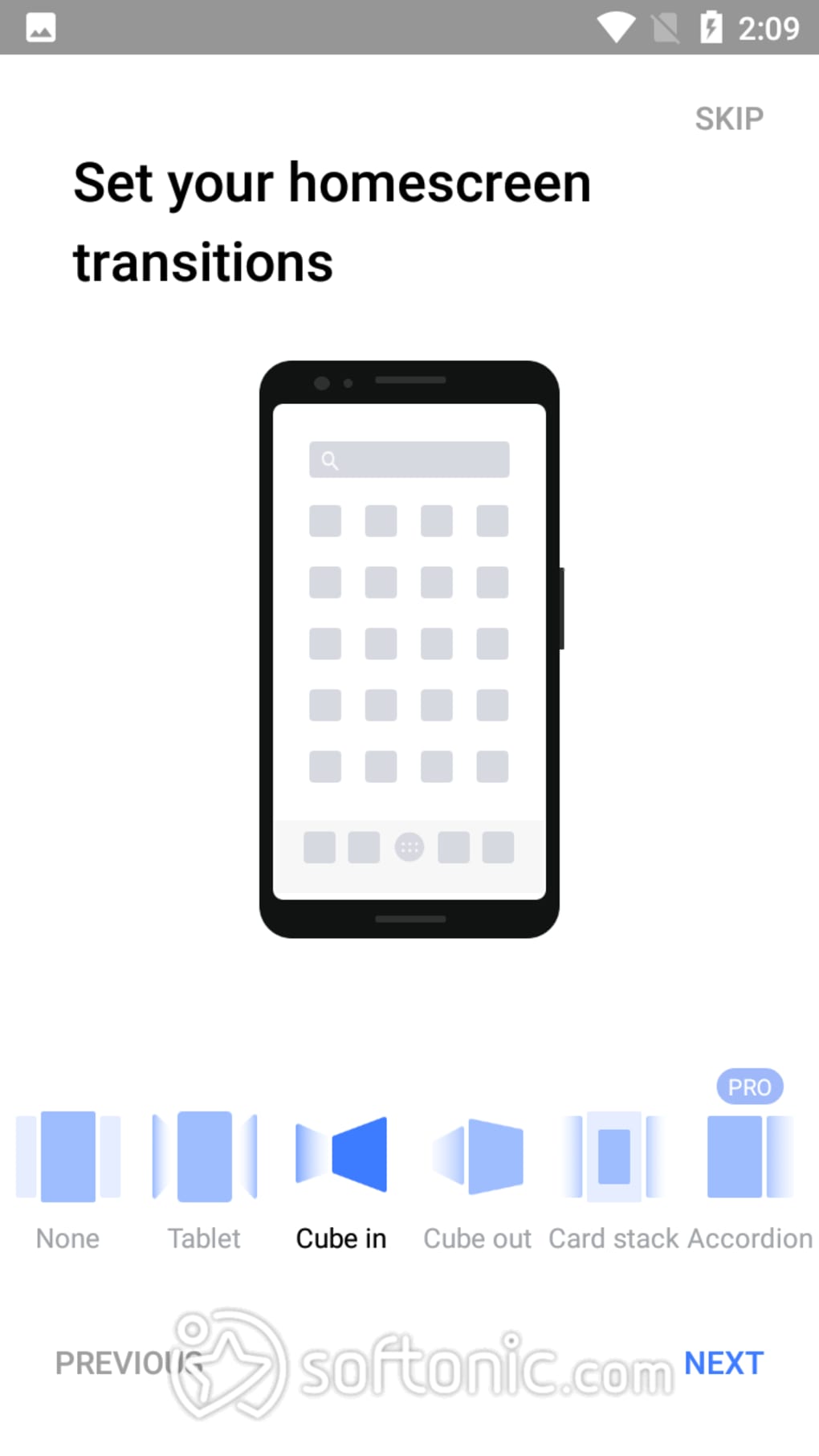
- Theme and Icon Pack Support: Extensive library of themes and icon packs allows for complete visual transformation of the interface, including 3D transitions and dynamic effects.
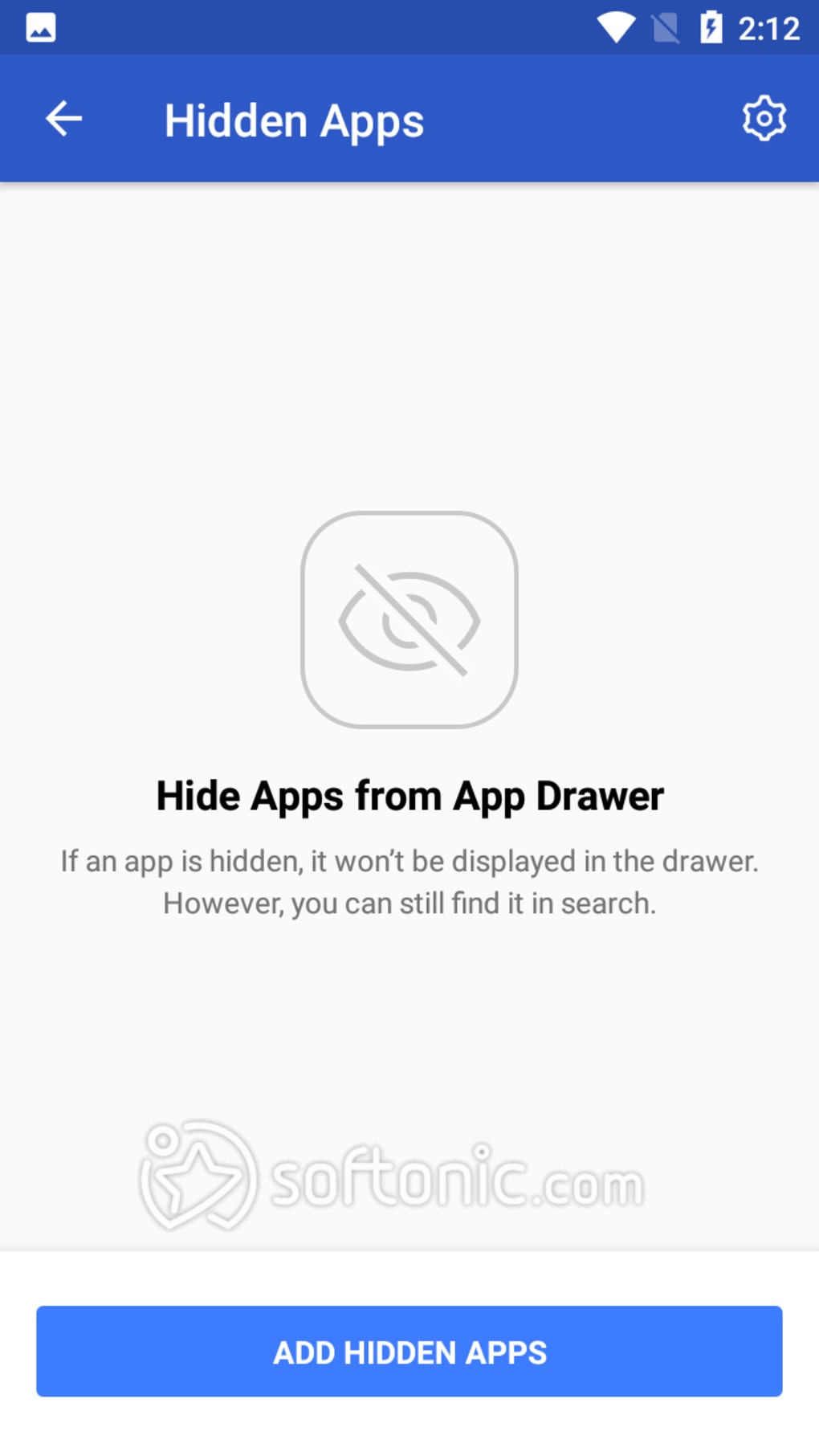
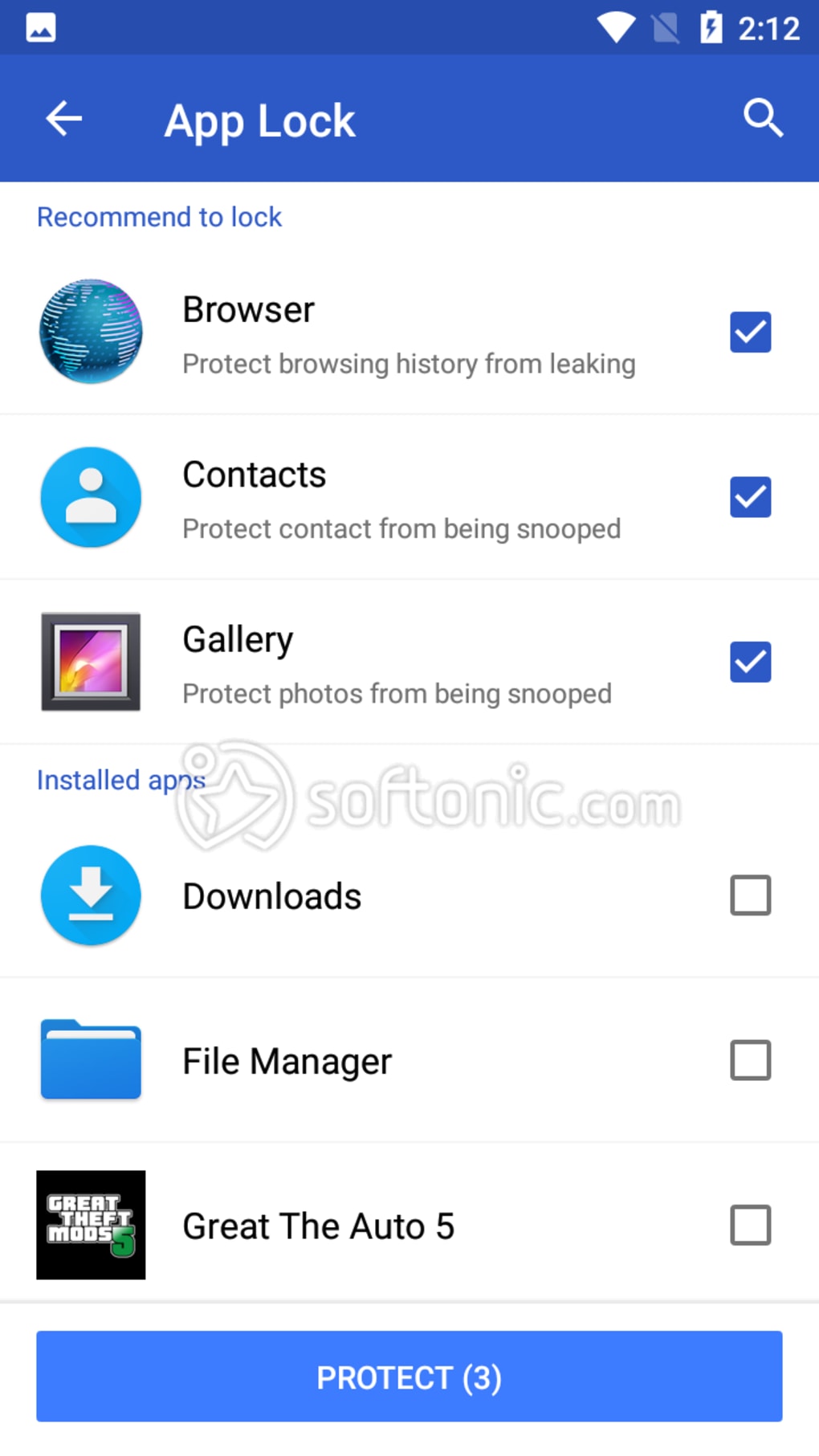
- App Hiding and Locking: Sensitive applications can be hidden from view and protected with pattern or password locks, enhancing privacy and data security.
- Gestures and Navigation: Supports pinch-to-zoom, swipe, and double-tap gestures for quick access to apps, folders, and system functions.
- Infinite and Elastic Scrolling: Home screens and app drawers support smooth, continuous scrolling for improved navigation across large numbers of apps.
- Automatic Backup: User settings and configurations are automatically backed up, allowing for easy restoration after device changes or resets.
- Advanced Folder and Widget Management: Enhanced folder creation and widget placement options provide greater flexibility in organizing digital content.
These features empower users to create a personalized digital workspace. For example, a user can set up a hidden folder for private photos and lock it with a pattern, then access it via a dedicated gesture. Another user might configure a 6x6 grid with custom icons and a dark theme for improved visibility in low-light environments. The combination of visual customization and functional enhancements makes Apex Launcher suitable for both aesthetic and productivity-driven use cases.
User Interface, Workflow & Performance
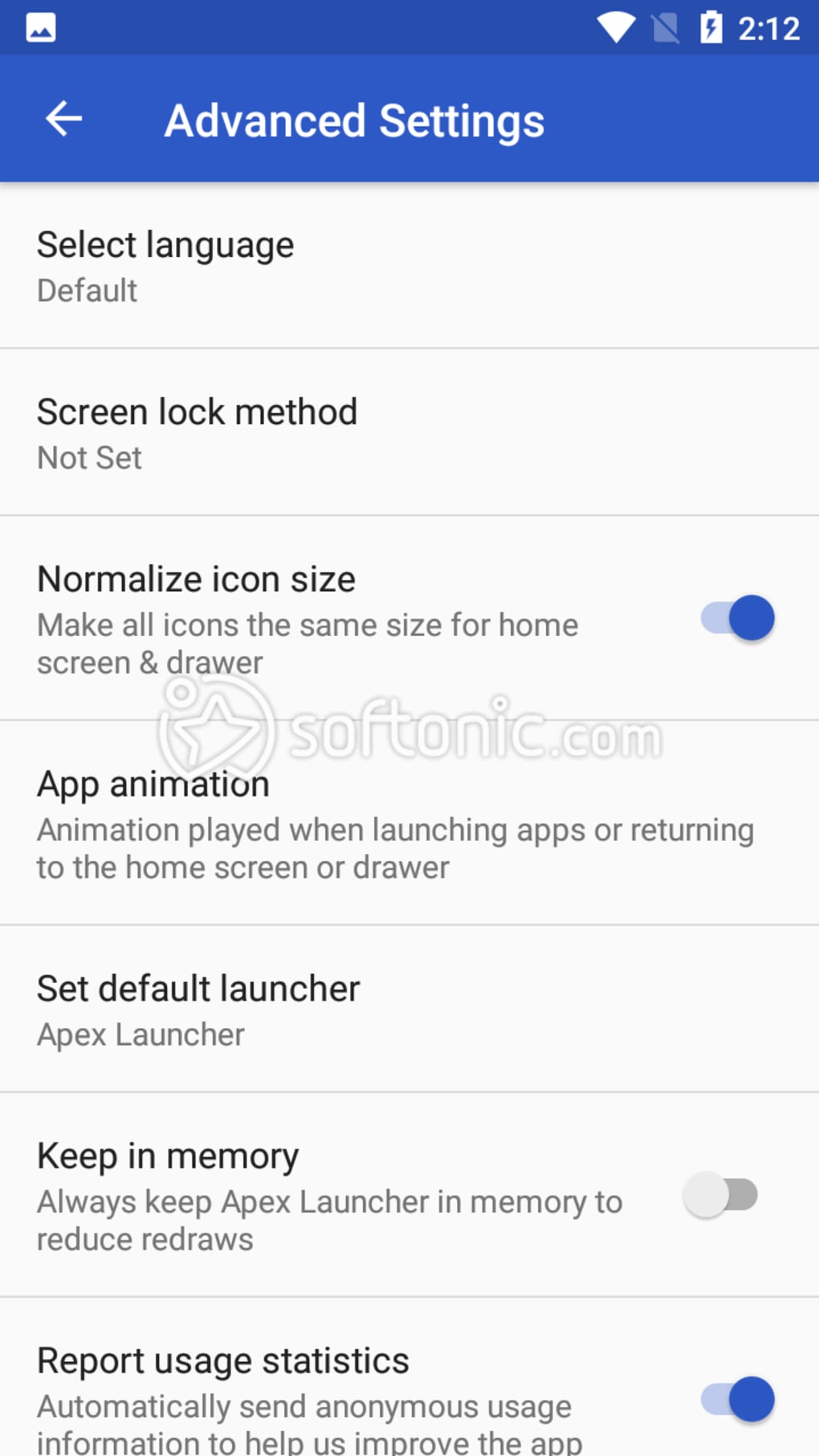
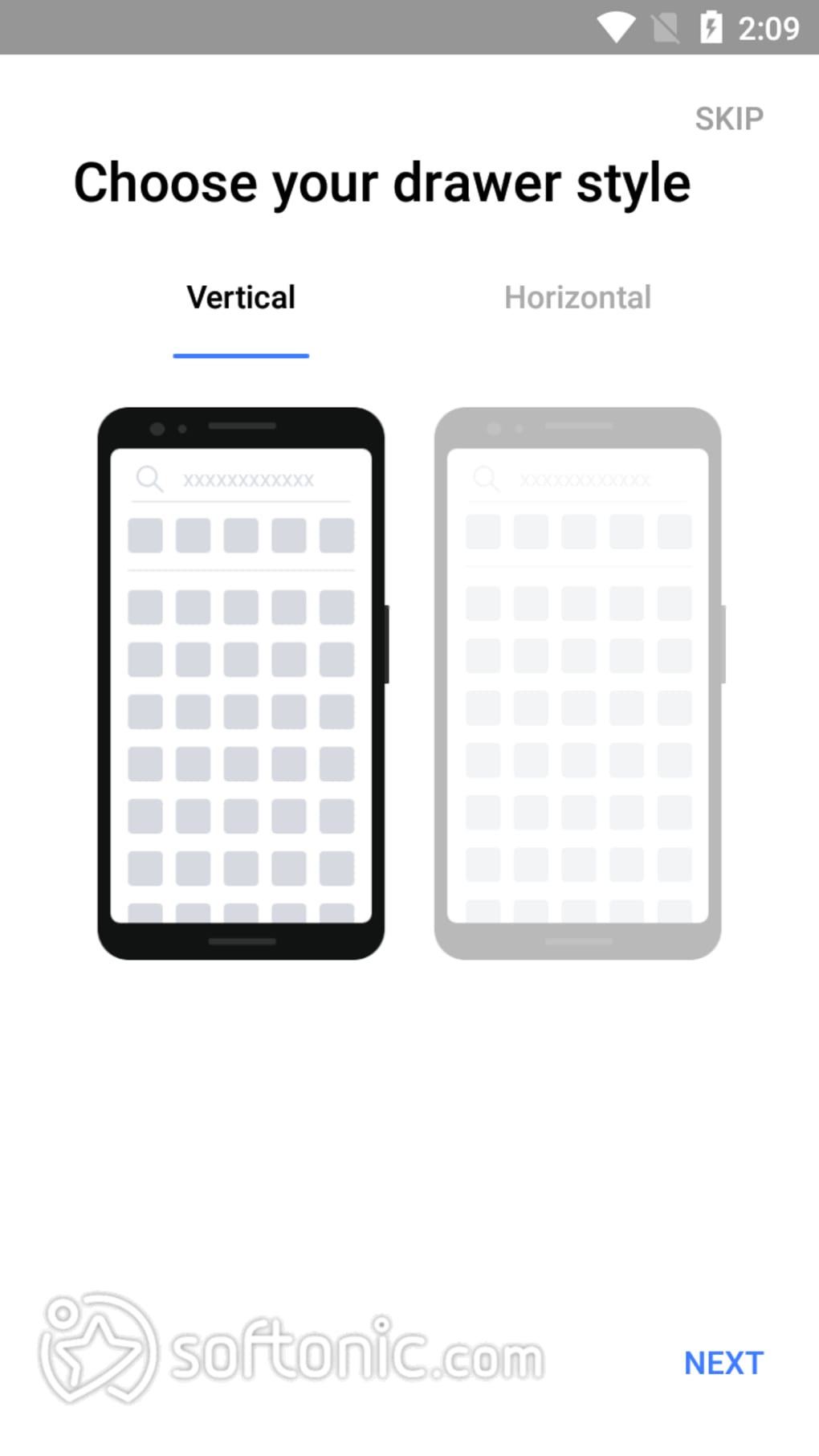
The user interface of Apex Launcher is designed around a clean, modular layout with intuitive navigation. Main screens include the home screen, app drawer, and settings menu, each accessible through consistent gesture-based interactions. The workflow begins with a brief onboarding tutorial after installation, guiding users through initial setup. Users can customize their interface by long-pressing icons or folders to access context menus. The application supports drag-and-drop functionality for reordering apps and creating folders. While the developer did not specify resource usage details, general software behavior patterns suggest moderate CPU and RAM consumption during active use. Performance observations are based on typical third-party launcher operations. Stability appears consistent across devices, though some users have reported occasional lag during heavy customization sessions. The application runs in the background and may impact battery life, as noted in user feedback. However, no specific performance benchmarks or system load data were provided. The interface remains responsive under normal usage, and transitions between screens are smooth when optimized settings are applied.
Compatibility & System Requirements
Apex Launcher is designed for Android operating systems and supports a wide range of devices, including smartphones and tablets. The software is compatible with various Android versions, though exact compatibility details were not listed. Installation size and hardware requirements were not specified by the developer. Platform compatibility information is limited to general Android support. Users should ensure their device runs a supported version of Android to avoid installation issues. The app integrates with standard Android features such as device administrators and system permissions. For users seeking to enable app hiding or locking, the launcher requires administrative privileges, which must be granted manually. No specific minimum RAM or processor requirements were provided. The developer did not specify whether the application supports ARM or x86 architectures. Users should verify compatibility with their device model before installation.
Pros and Cons
Pros
- Highly customizable interface with multiple themes and icon pack options
- Advanced privacy features including app hiding and password protection
- Support for gesture-based navigation and infinite scrolling
- Automatic backup of user settings and configurations
- Free version offers robust functionality for casual and intermediate users
- Safe and verified by Google Play Protect
Cons
- Interface can be overwhelming for new or casual users
- May cause increased battery consumption due to background processes
- Infrequent updates compared to competing launchers
- Third-party advertisements introduced in recent versions
- Some users report confusion after major version updates
FAQ Section
Is Apex Launcher compatible with my Android device?
Apex Launcher is designed for Android devices and supports a broad range of models. Exact compatibility details were not provided, but it is generally available on most Android smartphones and tablets.
Is Apex Launcher safe to download and use?
Yes, the application is verified by Google Play Protect, which scans for malware and security threats. It is available through official channels and does not require sideloading.
Can I use Apex Launcher without paying for the Pro version?
Yes, the free version includes a comprehensive set of features such as customization, app hiding, and gesture controls. The Pro version offers additional enhancements but is not required for core functionality.
Does Apex Launcher require device administrator permissions?
Yes, to enable app hiding and locking features, the launcher must be granted device administrator rights. This is a standard requirement for such privacy tools.
Can I use Apex Launcher offline?
Yes, once installed, Apex Launcher functions fully offline. No internet connection is required for core features like app launching, customization, or gesture navigation.
Final Thoughts + CTA
Apex Launcher stands out as a powerful tool for Android users who value customization, privacy, and control over their device interface. Its rich feature set, including theme support, gesture navigation, and app hiding, makes it ideal for power users seeking a personalized experience. While the interface may feel complex at first, the benefits of full customization and enhanced privacy outweigh the learning curve for dedicated users. The free version delivers strong value, and the Pro upgrade offers additional refinements for those who demand more. Despite concerns about battery usage and infrequent updates, the app remains a top choice in its category. For users who want to transform their Android experience with advanced functionality and visual freedom, Apex Launcher is a must-have. Download Apex Launcher now
Guides & Tutorials for Apex Launcher
How to install Apex Launcher
- Click the Preview / Download button above.
- Once redirected, accept the terms and click Install.
- Wait for the Apex Launcher download to finish on your device.
How to use Apex Launcher
This software is primarily used for its core features described above. Open the app after installation to explore its capabilities.
User Reviews for Apex Launcher 0
No reviews found





